

Table of Contents
Ever felt like you’re speaking a different language when trying to get something from an AI? You ask for a simple social media post, and it gives you a Shakespearean sonnet. You want a concise email, and it writes a novel. If you’ve ever stared at a response from ChatGPT or another AI and thought, “That’s… not what I asked for,” you’re not alone. This is a common frustration, but the fix is surprisingly simple.
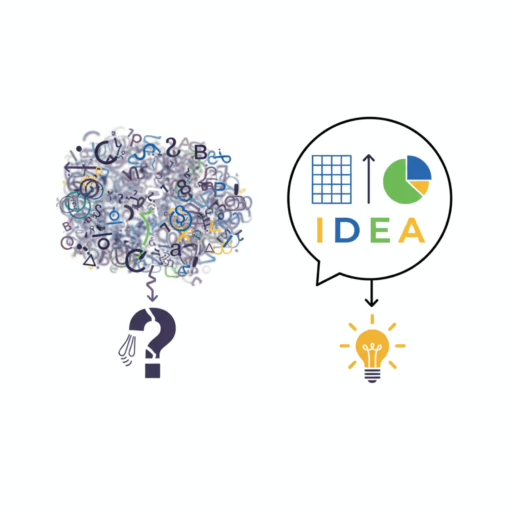
The secret is to stop thinking of AI as a magical mind-reader and start treating it like an incredibly powerful, hyper-literal, and infinitely patient intern. It won’t guess your intentions, but it will follow your instructions to the letter. This is where prompt engineering for non-techies comes in. It’s not about code or complex jargon; it’s about the art of giving clear instructions to get brilliant results. This is your beginner’s guide to AI communication.
The Misconception: AI Is a Mind Reader vs. The Reality: AI Is a Task-Doer
The biggest hurdle for most beginners is the expectation gap. We see AI create amazing art and write complex code, so we assume it understands us on a human level. It doesn’t.
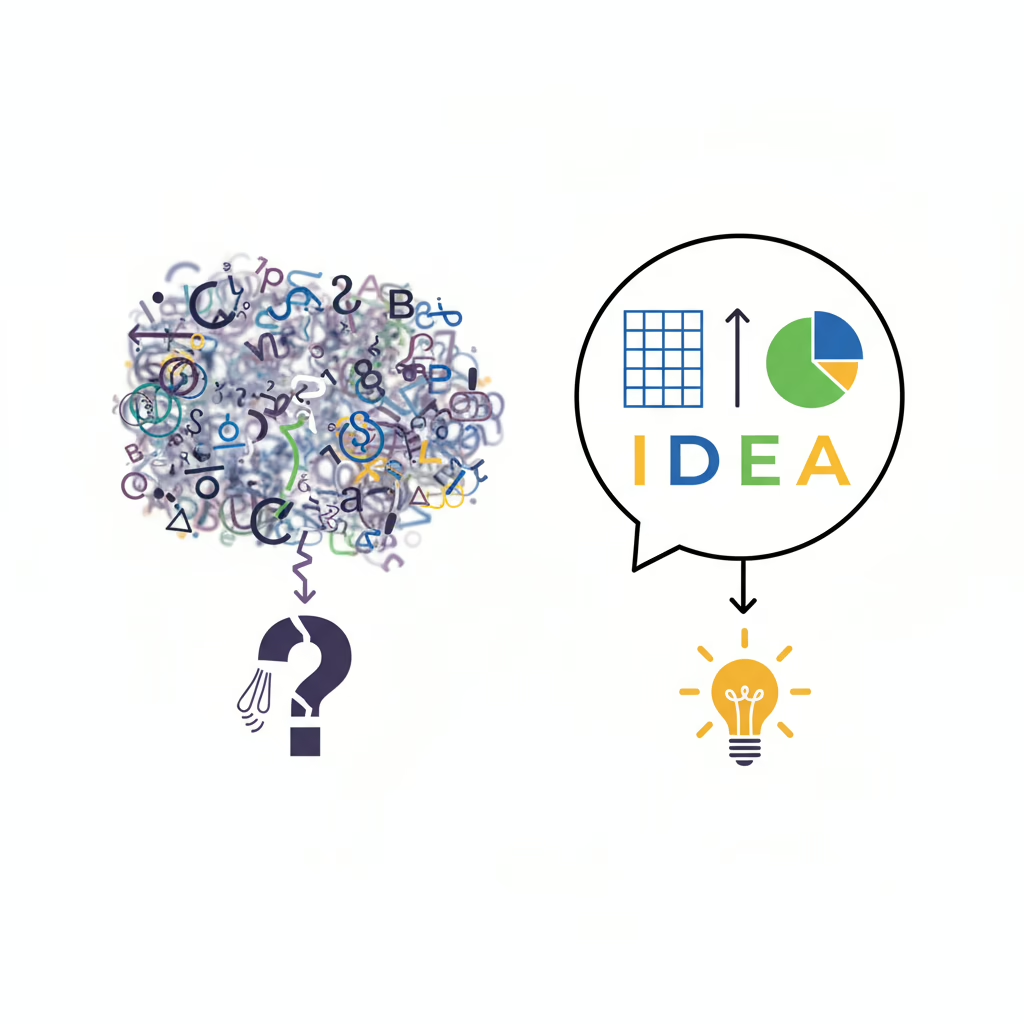
An AI model has processed vast amounts of text from the internet. It’s a master of patterns, not a master of intuition. When you give it a vague request, it makes its best guess based on the patterns it has seen before. Often, that guess is wrong.
The key to improving AI responses is to remove the guesswork. You need to provide a crystal-clear blueprint for what you want.
The 4 Pillars of a Perfect Prompt: Your Simple Formula for Success
To get exactly what you want, you don’t need to be a tech genius. You just need a solid framework. Think of it as a recipe. A great prompt generally contains four key ingredients: Role, Task, Format, and Constraints (RTFC).
Let’s break down this powerful AI conversation guide.
1. Role: Who Should the AI Be?
Giving the AI a role is like casting an actor for a part. It instantly provides context and a specific point of view, dramatically improving the relevance of the response. Instead of a generic AI voice, you get an expert.
- Vague Prompt: “Write about the benefits of saving money.”
- Prompt with a Role: “Act as a seasoned financial advisor. Write about the key benefits of starting to save money in your early 20s.”
See the difference? The second prompt tells the AI who it is, which shapes its tone, vocabulary, and the specific advice it will give.
2. Task: What Exactly Do You Want It to Do?
This is the core of your instruction. Be specific and use action verbs. Don’t just state a topic; describe the action you want the AI to perform. This is fundamental to learning how to write better prompts.
- Vague Prompt: “Social media content calendar.”
- Prompt with a Clear Task: “Create a 7-day social media content calendar for a new online bookstore. The goal is to drive engagement and announce our grand opening. Include post ideas for Instagram and Facebook.”
The second prompt defines the objective (drive engagement), the timeframe (7-day), the business (online bookstore), and the platforms (Instagram, Facebook). There’s no room for misinterpretation.
3. Format: How Should the Output Look?
Do you want a bulleted list? A table? An email? A blog post with H2 and H3 headings? If you don’t specify the format, the AI will choose one for you, and it might not be what you need.
- Vague Prompt: “Explain the main features of the new iPhone.”
- Prompt with a Specific Format: “Explain the main features of the new iPhone. Present the information in a table with two columns: ‘Feature’ and ‘Benefit for the User’.”
Specifying the format saves you immense time on editing and reformatting later. You get the structure you need right from the start.
4. Constraints: What Are the Rules and Boundaries?
Constraints are the guardrails that keep your AI on track. This can include word count, tone of voice, what not to include, or a specific audience to write for.
- Vague Prompt: “Write a marketing email for our new product.”
- Prompt with Constraints: “Write a marketing email for our new product, ‘The Viral AI Creator’s Kit.’ The tone should be enthusiastic and helpful, not pushy. Keep the email under 200 words and end with a clear call-to-action: ‘Start Creating Today!’. Do not mention any discounts.”
Constraints ensure the output is perfectly tailored to your specific needs. It’s the final step to a truly customized response.
Common Mistakes That Ruin Your AI Responses (And How to Fix Them)
Understanding the formula is half the battle. Now, let’s look at common pitfalls in writing ChatGPT prompts and how to avoid them.
- Mistake 1: Being Too Vague. The most common error.
- Instead of: “Write a blog post about remote work.”
- Try: “Write a 1000-word blog post titled ‘5 Common Misconceptions About Remote Work Productivity.’ The target audience is managers who are skeptical about remote teams. Use a professional but approachable tone.”
- Mistake 2: Not Providing Enough Context. The AI doesn’t know your business, your goals, or your audience unless you tell it.
- Instead of: “Create three social media captions.”
- Try: “I run a small business selling handmade vegan candles. My target audience is environmentally conscious women aged 25-40. Create three Instagram captions for a new lavender-scented candle. Highlight that it’s made with soy wax and essential oils.”
- Mistake 3: Asking Too Many Things in One Go. Don’t cram multiple unrelated requests into a single prompt. It confuses the AI.
- Instead of: “Give me a blog post about SEO and also a list of keywords and write a tweet about it.”
- Try: Break it down into sequential prompts. First, ask for the blog post. Then, in a new prompt, say, “Based on the blog post you just wrote, extract the 10 most important keywords.” Finally, “Now, write a tweet summarizing the main point of that blog post.”
The Ultimate Secret: Know What You Want Before You Ask
The most advanced prompt engineering trick isn’t a trick at all. It’s clarity of thought. Before you type a single word, take 30 seconds to answer this question: “What does a perfect response look like?”
Visualize the output. What’s the tone? What’s the format? Who is it for? What is its primary goal? Once you know precisely what you want, telling the AI how to create it becomes incredibly easy.
Ready to Become an AI Power User?
Learning to communicate effectively with AI is one of the most valuable skills you can build today. It’s the difference between frustration and creation, between mediocre results and game-changing output.
If you’re ready to go deeper and master the art of AI communication, The Viral AI Creator’s Kit: Your Ultimate AI Video Creation Guide is your next step. This toolkit is packed with advanced strategies, copy-paste prompts, and frameworks designed to turn you into a pro. For more ready-to-use solutions, check out our 100 Viral Social Media Prompts to jumpstart your content creation.
Explore all our resources on the Blyxxa Blog to further sharpen your skills.
Your AI is a Mirror
Ultimately, the quality of your AI’s response is a direct reflection of the quality of your prompt. It’s not magic; it’s a partnership. By providing clear, structured, and contextual instructions, you empower the AI to do its best work for you.
So, the next time you open up ChatGPT, don’t just ask a question. Give a command. Delegate a task. Provide a blueprint. You’ll be amazed at what you can create together.